GL.iNet Flint GL-AX1800 Bruksanvisning
Läs gratis den bruksanvisning för GL.iNet Flint GL-AX1800 (3 sidor) i kategorin Router. Guiden har ansetts hjälpsam av 31 personer och har ett genomsnittsbetyg på 4.5 stjärnor baserat på 6 recensioner. Har du en fråga om GL.iNet Flint GL-AX1800 eller vill du ställa frågor till andra användare av produkten? Ställ en fråga
Sida 1/3
Let’s get
started.
GL-AX1800 / Flint
AX1800 Wireless Router
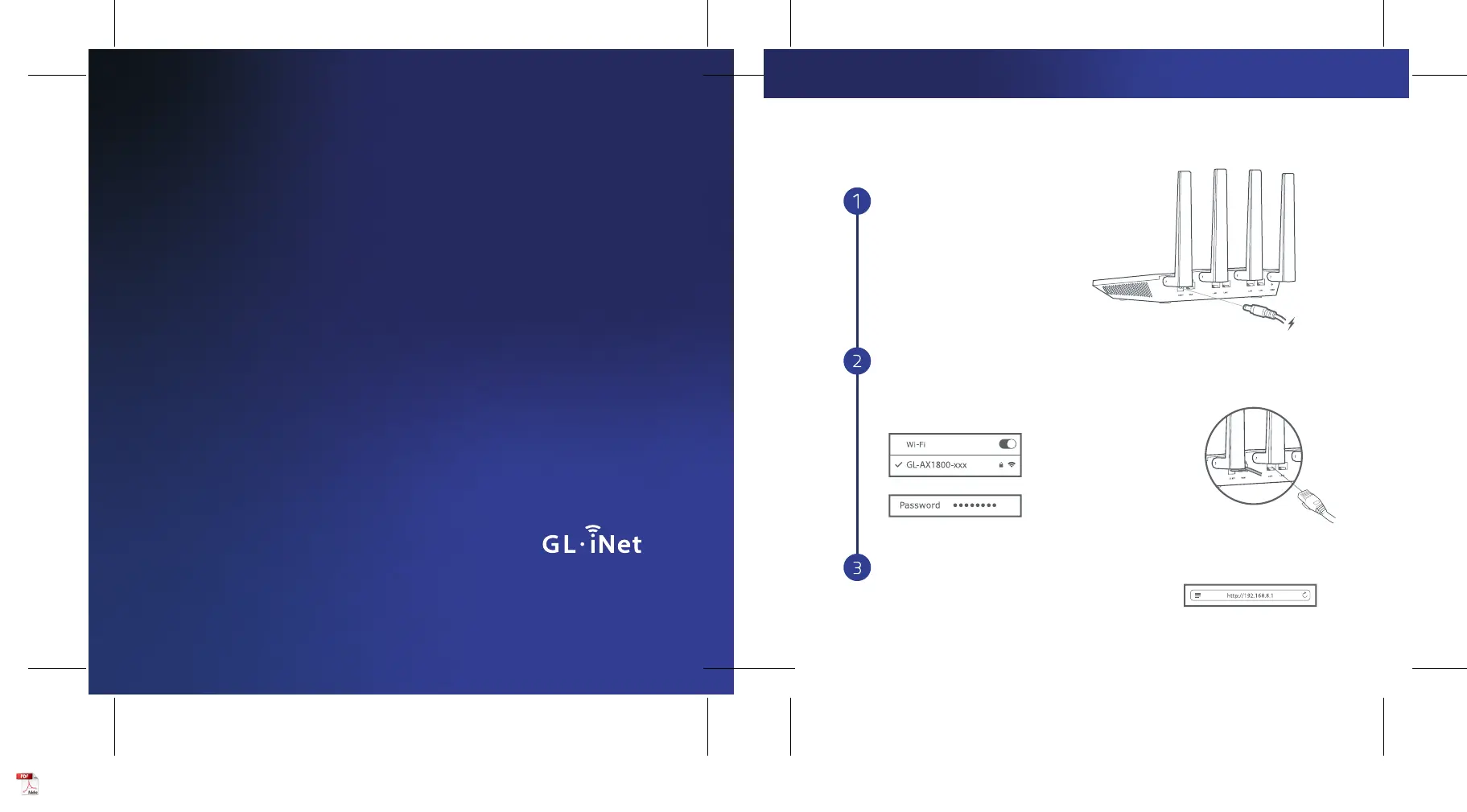
Set Up Router
Visit http://192.168.8.1 in your browser to set
up your router; start by choosing your preferred
language.
Power On
When powered up, your router will broadcast
both 2.4G and 5G Wi-Fi signal with the SSID:
GL-AX1800-xxx and GL-AX1800-xxx-5G.
or
Default password is goodlife
Search the SSID and connect to it
Connect to the Wi-Fi called GL-AX1800-xxx,
and then input the default Wi-Fi password
goodlife, which is also printed on the bottom
of the router.
Connect via Wi-FiConnect via LAN
Plug the cable connecting
to your computer into LAN port
Plug in power cable
SETTING UP
Produktspecifikationer
| Varumärke: | GL.iNet |
| Kategori: | Router |
| Modell: | Flint GL-AX1800 |
Behöver du hjälp?
Om du behöver hjälp med GL.iNet Flint GL-AX1800 ställ en fråga nedan och andra användare kommer att svara dig
Router GL.iNet Manualer

20 September 2025
20 September 2025
19 September 2025
19 September 2025
19 September 2024
19 September 2024
19 September 2024
Router Manualer
Nyaste Router Manualer
3 April 2026
1 April 2026
31 Mars 2026
31 Mars 2026
29 Mars 2026
26 Mars 2026
25 Mars 2026
23 Mars 2026
22 Mars 2026
22 Mars 2026