LOKUKA LQ2 Bruksanvisning
Läs gratis den bruksanvisning för LOKUKA LQ2 (3 sidor) i kategorin mikrofon. Guiden har ansetts hjälpsam av 48 personer och har ett genomsnittsbetyg på 4.9 stjärnor baserat på 3 recensioner. Har du en fråga om LOKUKA LQ2 eller vill du ställa frågor till andra användare av produkten? Ställ en fråga
Sida 1/3
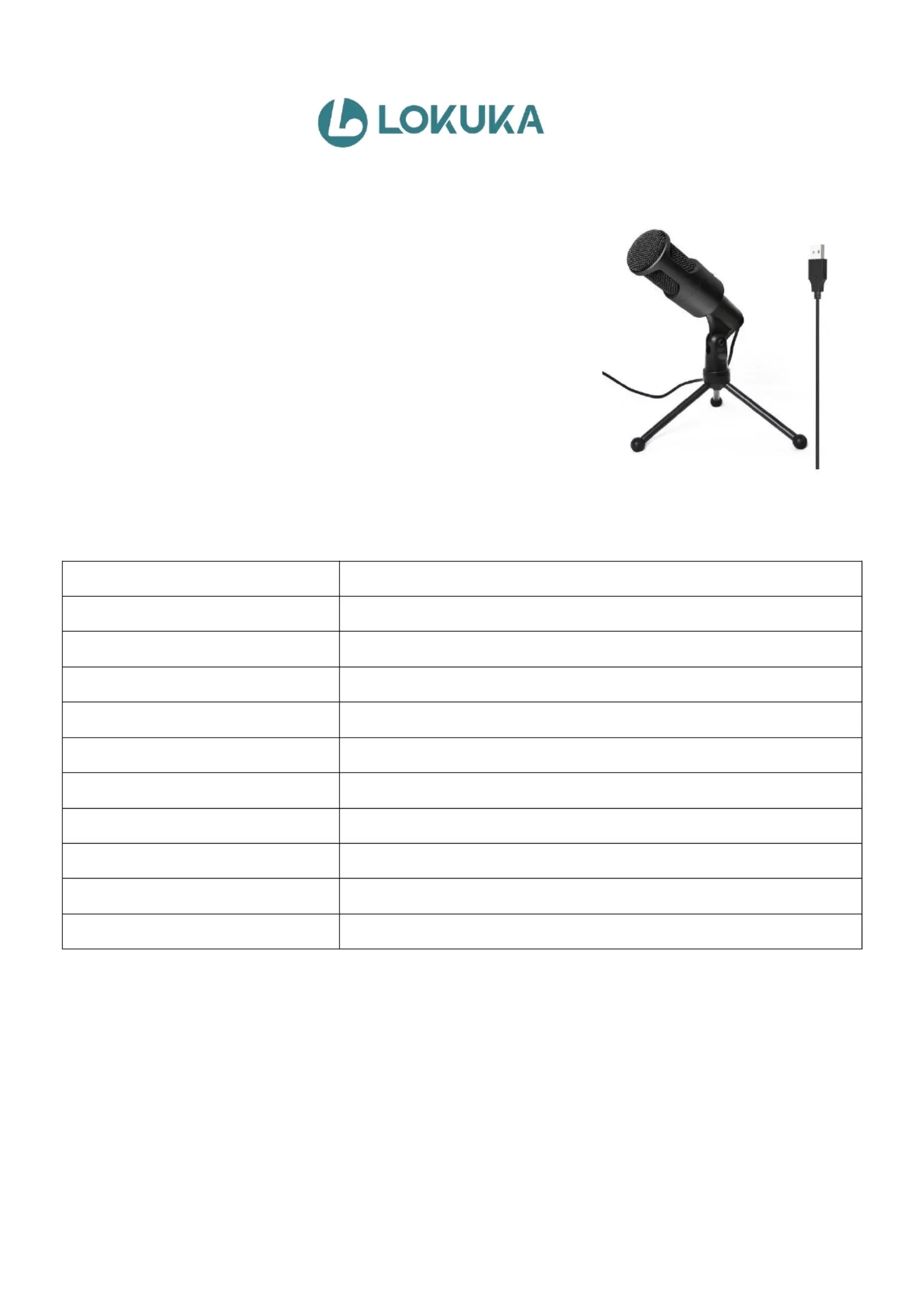
USERMANUAL-LQ2Microphone
1.ProductDescription:
2.
ProductSpecifications:
Directivity:
omnidirectional
Singlestructure:
capacitive
Receptionmethod:
wired,cablelengthisabout1.35m
Colour:
Black
ManufacturingComponents:
Transistors
Sensitivity:
30dB±3dB
Impedance:
≤2.2KΩ
Sensitivityrange:
within-3dBat1V
Workingvoltage:
1.5V
Frequencyresponse:
50Hz-16KHz
Signal-to-noiseratio:
>36dB
3.Settings:
(1)ForWindows,Audiosettings>Microphoneinputdevices>choose"USBPnPSoundDevice".Ifyouneedto
listenwhenusingthemic,choosesound>Recording>Microphone>Listentothisdevice.
(2)ForMacOS,systempreferences>sound>input>choose"USBPnPSoundDevice",andtestthemicwith
QuickTimePlayer.
(3)ForPS4/PS5,Sound>Microphone>InputDevice>USBMicrophone(USBPnPSoundDevice).
4.Warmtips:
(1)
Plug-and-Play:theredlightmeansthemicispowered,ifyouplugtheUSBoutthislightwillgoout.
LOKUKARecordingUSBMicrophone:Plug-and-Play,Driver-Free.
SimplyconnectittoyourcomputerorotherUSBdevices,andchoose
""asthemicinput.LOKUKAUSBPCUSBPnPSoundDevice
condensermicrophonefeaturesaconvenientON/OFFswitchandared
powerindicatorlight,ensuringeasyoperation.CompatiblewithPC,
laptop,PS4/PS5,WindowsorIOS,etc.It'sagreatcompanionfor
contentcreators,gamers,onlinemeetings,onlineclasses,streaming,
podcasting,andrecording!
Produktspecifikationer
| Varumärke: | LOKUKA |
| Kategori: | mikrofon |
| Modell: | LQ2 |
Behöver du hjälp?
Om du behöver hjälp med LOKUKA LQ2 ställ en fråga nedan och andra användare kommer att svara dig
mikrofon LOKUKA Manualer

21 Juli 2025
mikrofon Manualer
Nyaste mikrofon Manualer
3 April 2026
31 Mars 2026
31 Mars 2026
30 Mars 2026
30 Mars 2026
30 Mars 2026
30 Mars 2026
29 Mars 2026
28 Mars 2026
28 Mars 2026